
Teacher App
Fun, interactive and individualised learning for every classroom.
Prepare foreign language lessons according to the school curriculum, engage the whole class, and follow up with practice according to the needs of individual students. The Foxino teacher app connects preparation, teaching, and an overview of results.
All teaching activities for teachers are free of charge.

 Speaking
 Reading
 Writing
 Listening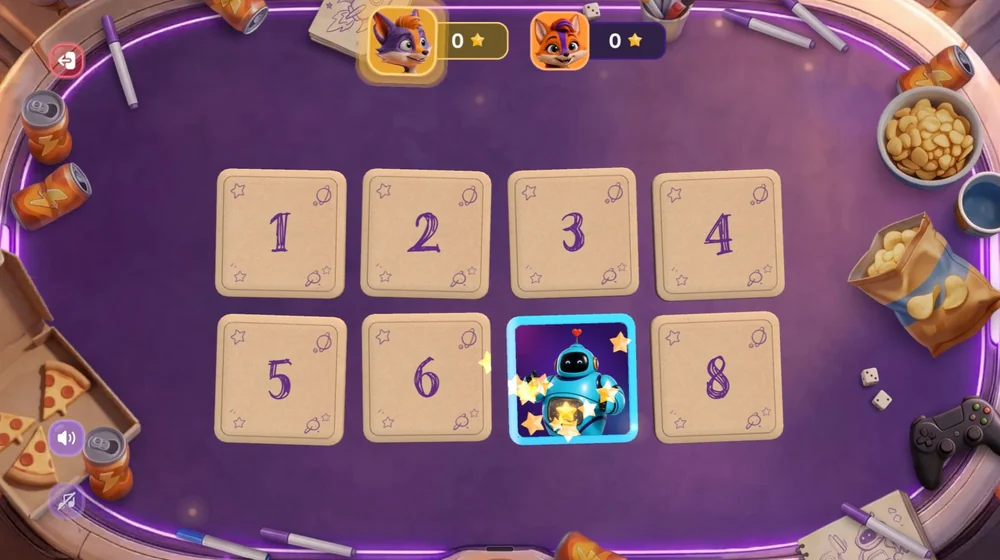
From lesson preparation to further practice.


01
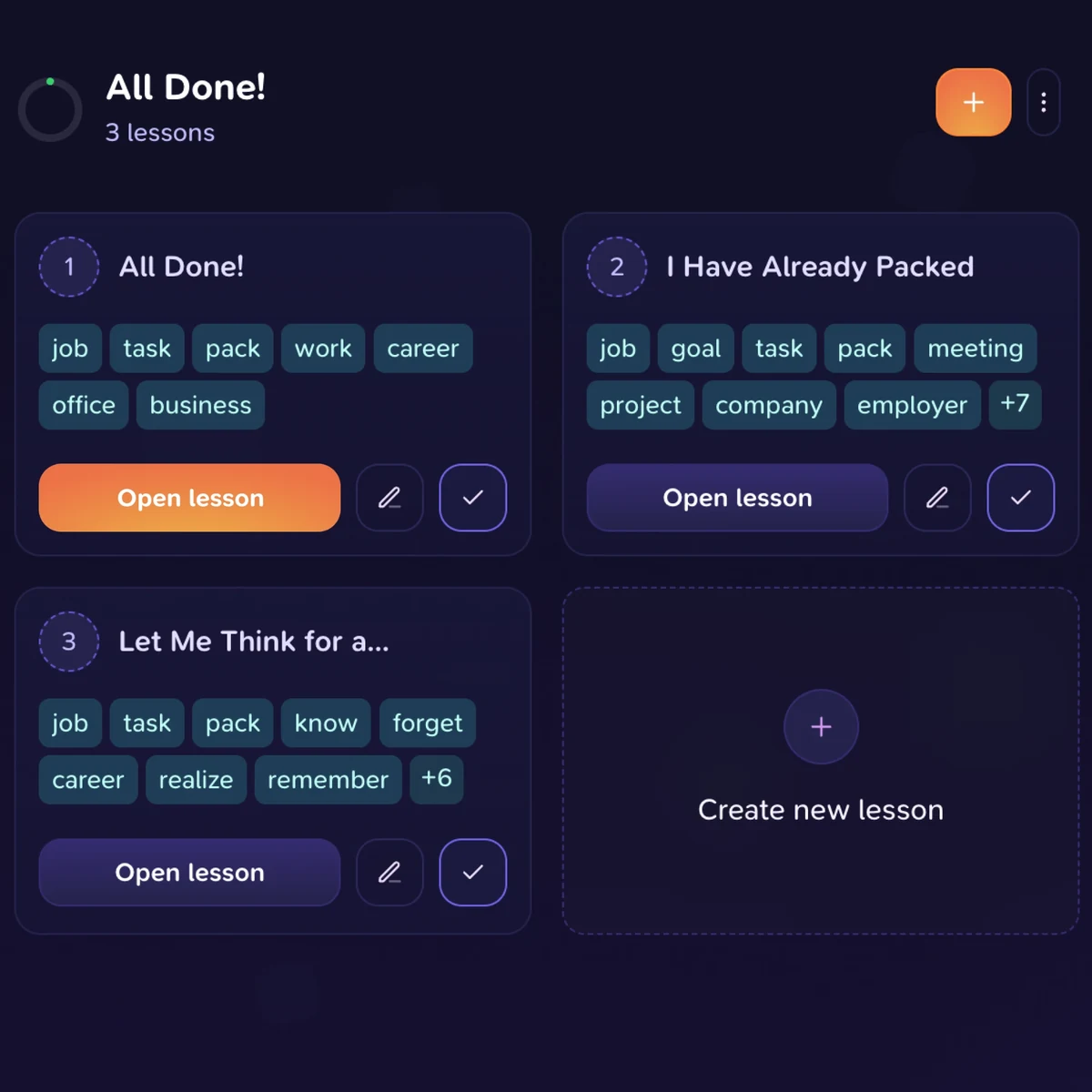
Lesson plan in one click
Prepare a lesson plan based on the chosen topic and level. Review the content and adapt it to your class.


02
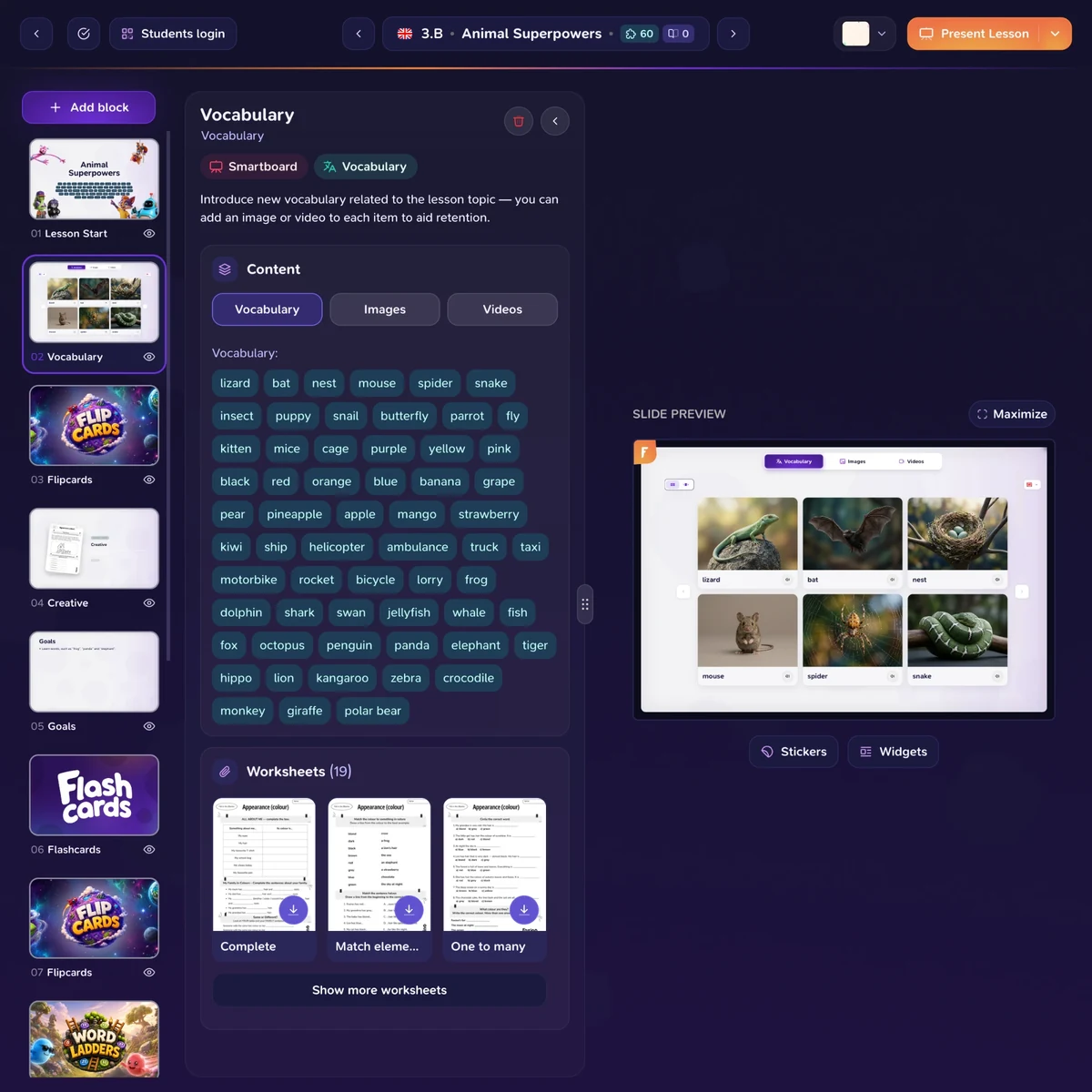
Explanation of the subject matter and worksheets
Make use of materials for both collaborative learning and students' independent work.


03
Interactive activities
Engage students together on a smartboard or individually on their own devices.

04
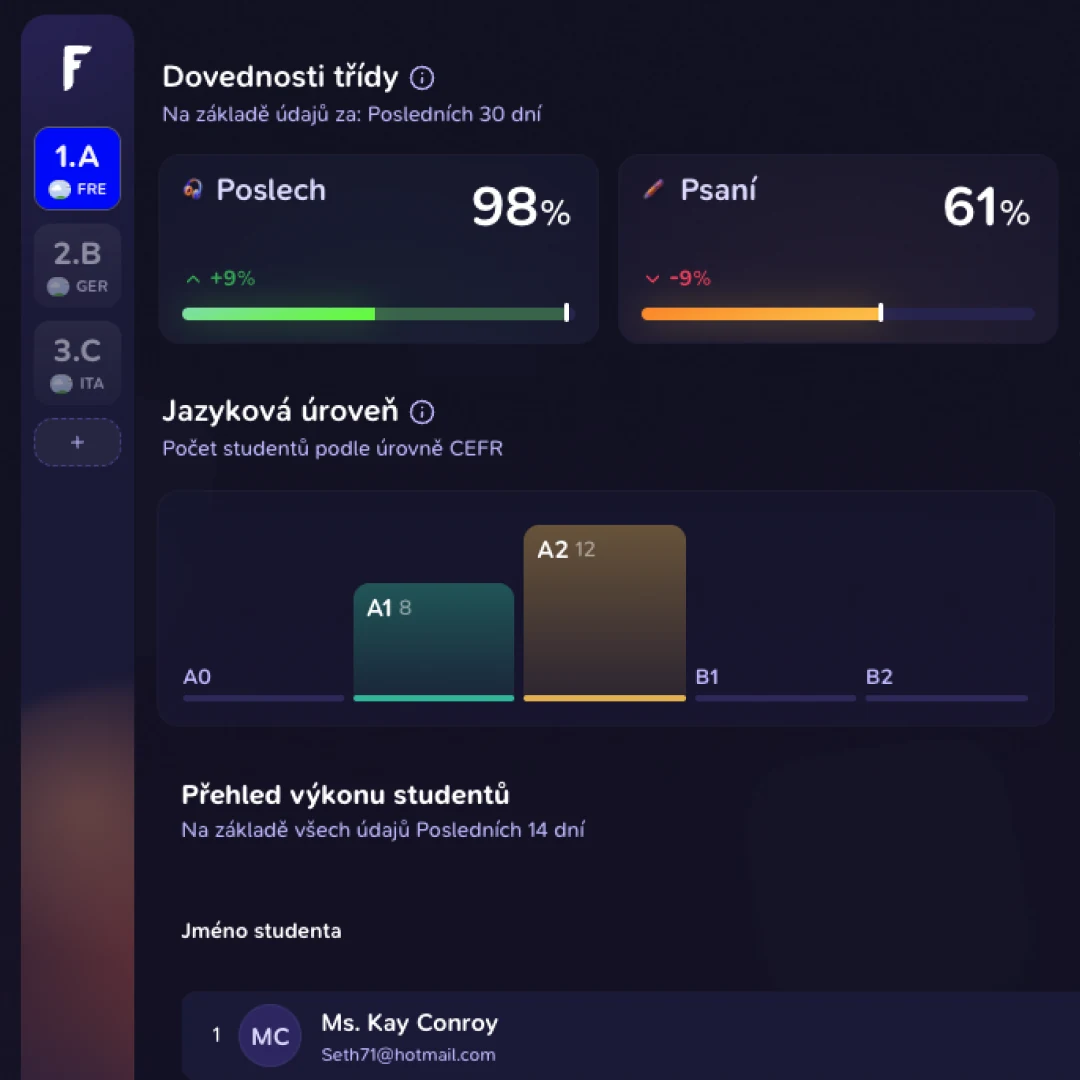
Overview of results
Monitor how students are mastering the curriculum and use their results to plan further teaching.
From educational games on tablets and interactive whiteboards to worksheets.
You can practise a single topic in various ways – together with the whole class on an interactive whiteboard, individually or in pairs on tablets, and also using worksheets.

Whole-class game on the board · Games on school tablets
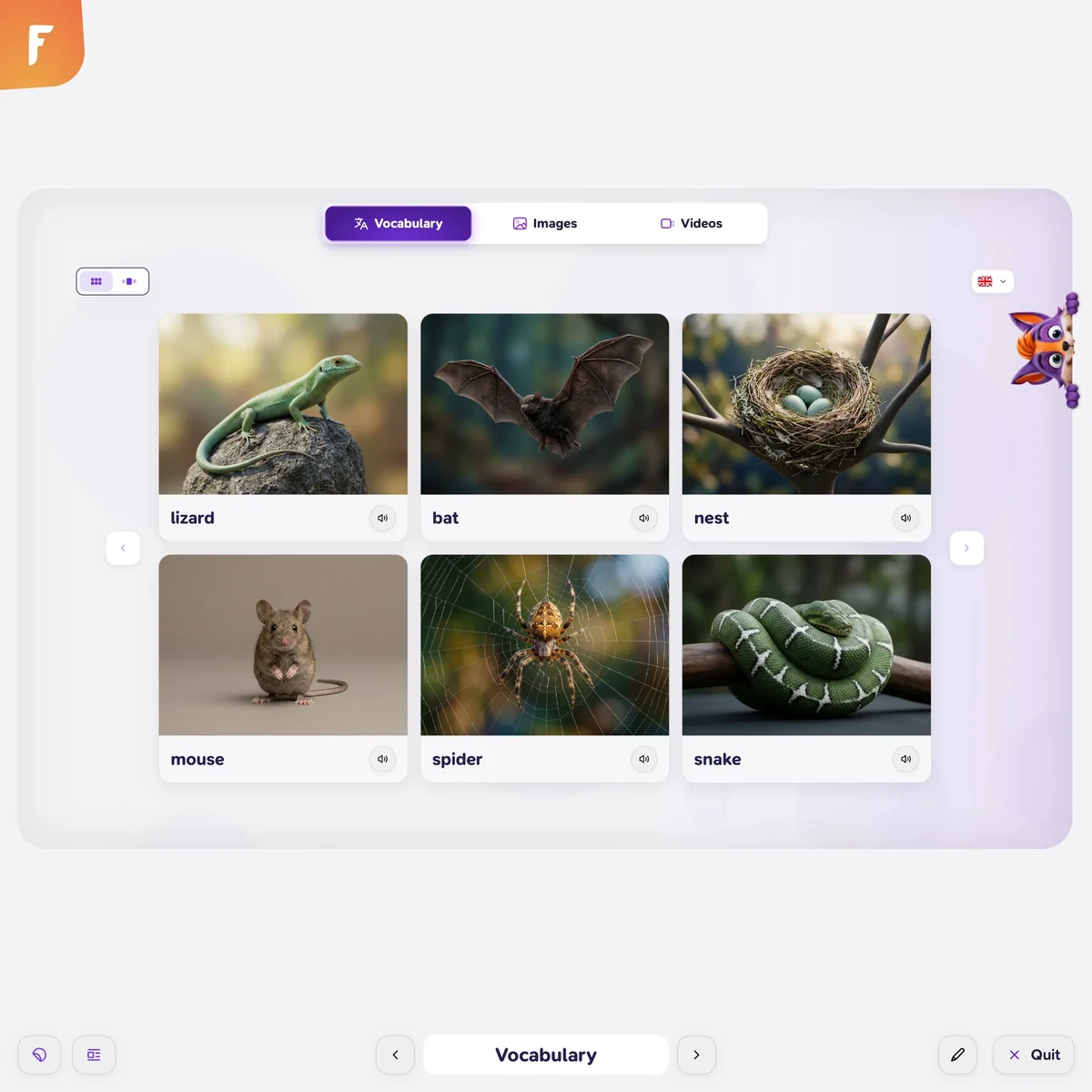
A wide selection of games for the interactive whiteboard
Joint games and activities that will engage the whole class and turn practice into fun.
Joint activity
Individually or in pairs
Students practise on their own devices, either individually or in pairs, and progress at their own pace.
Self-paced

Worksheets prepared by teachers for teachers
For each topic, you will find pre-prepared worksheets, handcrafted for you by experienced teachers. They follow on directly from the curriculum and can be printed out immediately to be used in class, for tutoring, or as homework.
Listening
Grammar
Vocabulary
Reading
Repetition



In the actual lesson
Spend more time on how students think.
Prepared activities free up space for what is most important: explaining, asking questions, and supporting students exactly when they need it.


You lead the class. Foxino helps everyone get involved.
You set the goals, choose the content, and lead the lesson. Foxino makes sure that every student has an exercise at hand that is just right for them.


You lead the teaching. Foxino helps to customise the practice.
The teacher and student applications are interconnected. You select the curriculum and lead the lesson. Students can then continue with practice that takes into account their results and needs.
This provides you with the basis for individual support, without each subsequent activity having to start from scratch.



Pupils with SEN
Space also for pupils with dyslexia or ADHD.
Individualisation in a regular lesson does not have to mean preparing three different things the night before. Foxino will offer each pupil as much repetition as they need, keeping them on track with the shared curriculum.

Shorter tasks and a relaxed pace with no pressure on speed.
Repetition in short blocks — suitable even for those with attention difficulties.
Reading and listening: pupils can go through the subject matter in multiple ways.
Basis for the implementation of the IEP (Individualised Education Plan) and support measures.
From idea to lesson
Prepare your next lesson with Foxin.
Each step builds on the previous one. Hover over the individual parts to go through the entire rhythm of the lesson.

Do you want a Foxino workshop for your school?
Write to us at hello@foxino.com and we will be happy to come to an agreement.

Frequently Asked Questions
Do I need to change my textbook or teaching method?
Can I use Foxino even without student tablets?
Do we need to install it on a school server?
Does Foxino replace the teacher?

Your next lesson can start here.
Prepare lessons, engage students and find out what to build on.